

The Bookmark Rule: How to Navigate Web3 Without Getting Phished

Executive Summary: 90% of crypto hacks happen because the user clicked the wrong link. Hackers buy Google Ads and impersonate support staff. This guide teaches you the 'Bookmark Rule' and how to verify legitimate domains.
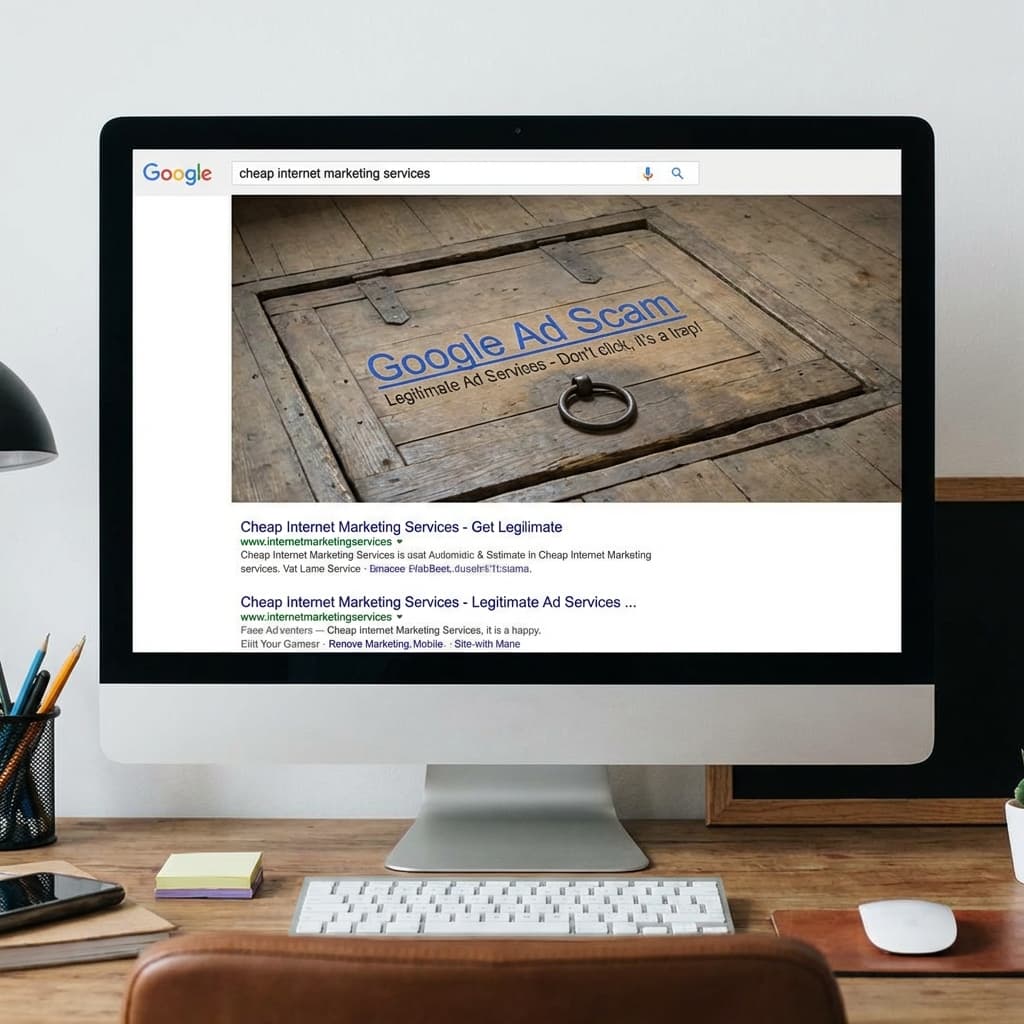
1. The Google Ad Trap
You search for "Metamask" or "Ledger Live" on Google.
The first result looks correct. You click it.
It is a scam.
Hackers buy ads on Google to place their fake sites above the real ones. If you download a wallet from a fake site, it will ask for your seed phrase or install malware.
The Fix: Never click the "Ad" or "Sponsored" results. Always look for the organic results below.
2. The "Bookmark Rule"
In Crypto, never type a URL manually, and never use Google for sensitive sites (Exchanges, DeFi protocols).
- Find it once: Go to the official Twitter/X page of the project (e.g., @Uniswap).
- Click the link in bio: Most legitimate projects put their official link there.
- Bookmark it: Create a folder in your browser called "Crypto Safe."
- Use ONLY the bookmark: Next time you want to trade, click the bookmark. Do not Google it. Do not type it.
3. Silence is Safety (Discord/Telegram)
If you join a Discord server for a crypto project, you will likely get a Direct Message (DM).
"Hello, I am Support. You need to validate your wallet to fix your issue."
Rule of Thumb:
- Admins will NEVER DM you first.
- Support will NEVER ask for your seed phrase.
- Support will NEVER ask you to click a link to "sync" your wallet.
Go to your Discord Privacy settings and turn off "Allow Direct Messages from Server Members." This blocks 99% of social engineering attacks.
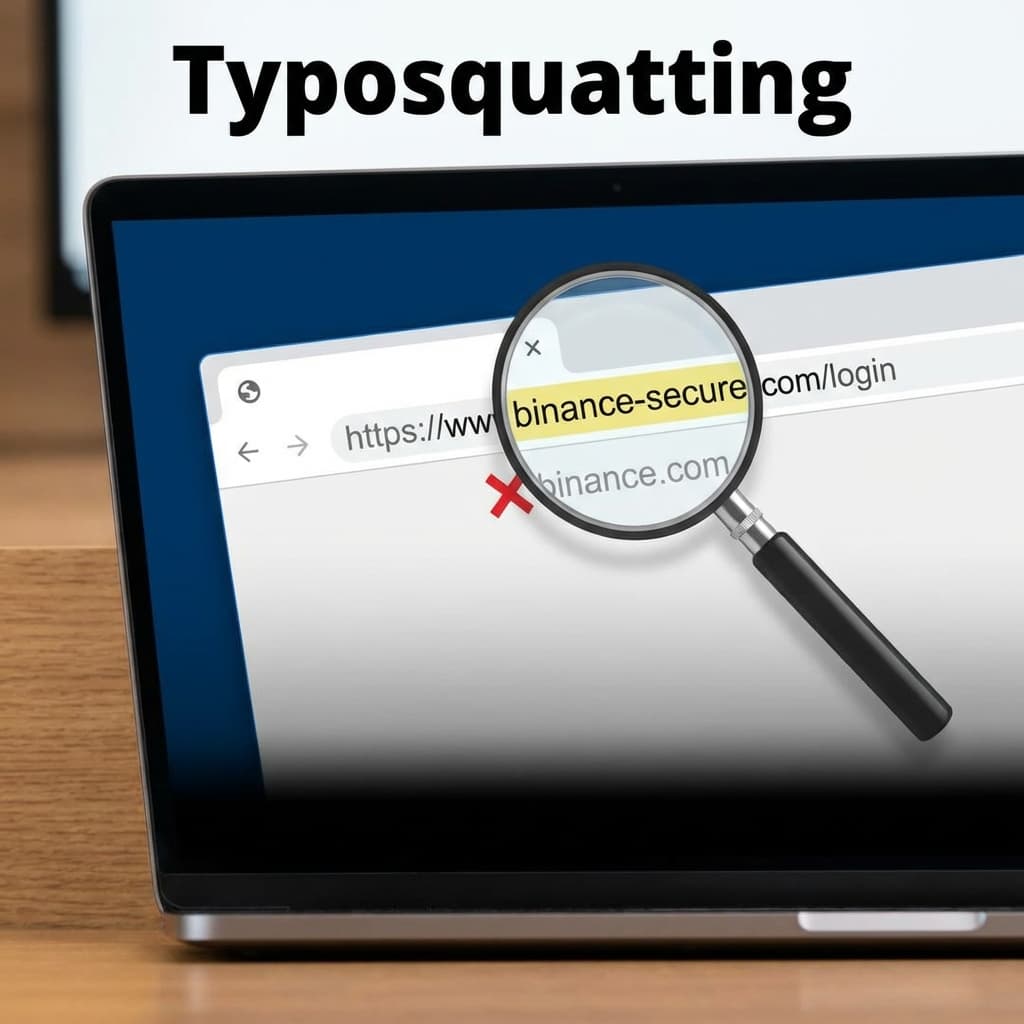
4. Verify the URL (Typosquatting)
Hackers use "homoglyphs"—characters that look like English letters but aren't.
- Real: coinbase.com
- Fake: cọinbase.com (Notice the dot under the 'o').
Always inspect the URL bar. If your browser says "Not Secure" or if the domain looks slightly off, close the tab.
Conclusion
The internet is a minefield. Your browser bookmarks are your map. Stick to the path you verified, and ignore the shortcuts sent to your DMs.
Related: Bookmarks won't save you if you connect to a Deepfake CFO or get tricked by a Long Con Romance Scam. Always verify the human as well as the URL.

Related Articles
The Long Con: How 'Pig Butchering' Scams Steal Hearts and Wallets
It starts with a 'wrong number' text. It ends with you losing your retirement. Inside the psychological playbook of the 'Sha Zhu Pan' (Pig Butchering) scam.
Don't Trade Where You Play: The Case for a Dedicated Crypto Device
Your gaming PC is full of cracks. Your phone is full of trackers. Why spending $200 on a dedicated 'Banking Device' is the best insurance policy you can buy.
The Hidden Backdoor: Why You Must Revoke Permissions
You disconnected your wallet, but the hacker can still drain it. Learn how 'Unlimited Allowances' work and how to lock your digital backdoors.