


The Hidden Backdoor: Why You Must Revoke Permissions
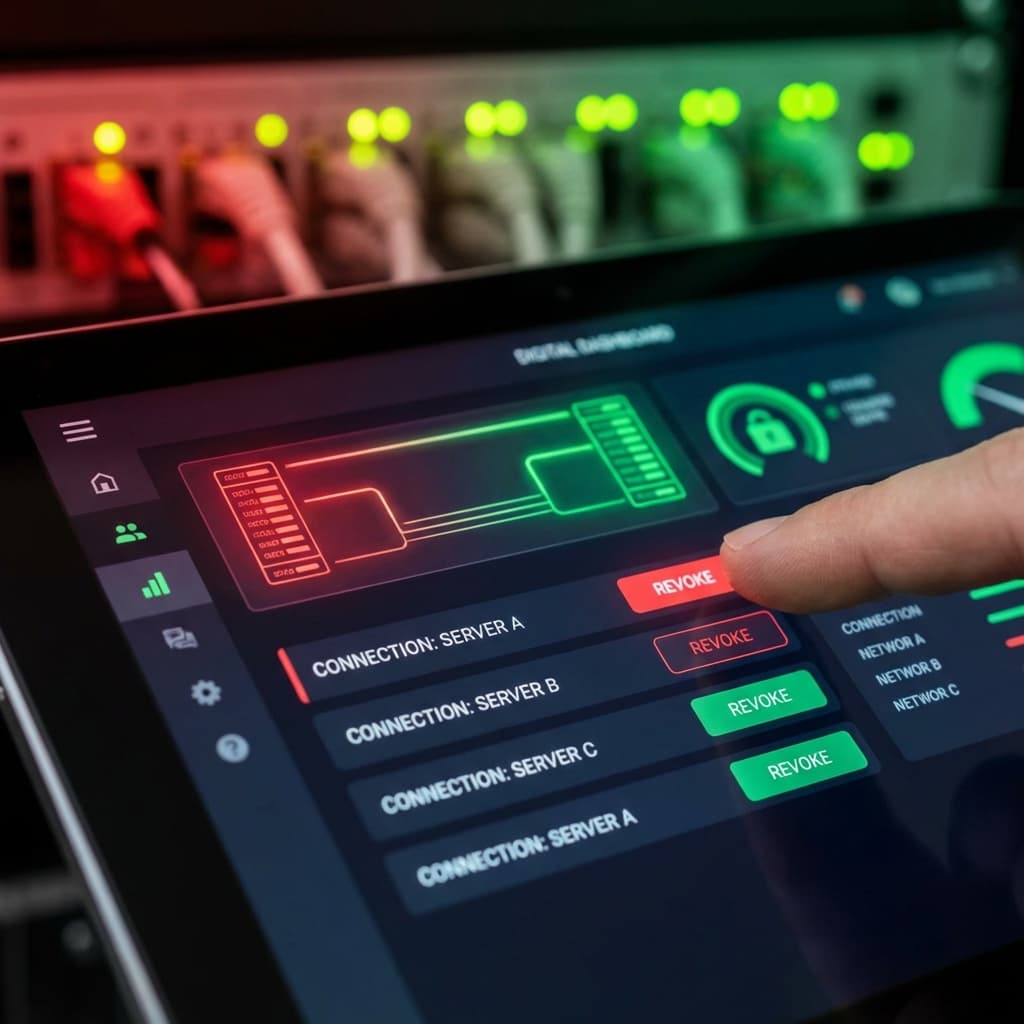
Executive Summary: Disconnecting your wallet from a website does NOT stop it from moving your funds. Most DeFi apps ask for 'Unlimited Permission' to spend your tokens. This guide explains how to use Revoke.cash to close these dangerous open doors.
1. The "Valet Key" Analogy
Imagine you go to a restaurant and give the valet your car keys. You expect them to park your car and bring it back.
But in Crypto (DeFi), when you trade on a site like Uniswap, you aren't just giving them the keys. You are often signing a contract that says:
"This Valet is allowed to take my car, sell it, and keep the money, anytime they want, forever."
This is called an Unlimited Allowance.
Developers do this for convenience, so you don't have to sign a permission slip every time you trade. But if that website gets hacked (or turns malicious), they can use that permission slip to empty your wallet—even if you haven't visited the site in years.
2. The Myth: "Disconnecting"
Many users think, "I clicked 'Disconnect Wallet' in MetaMask, so I'm safe."
Wrong.
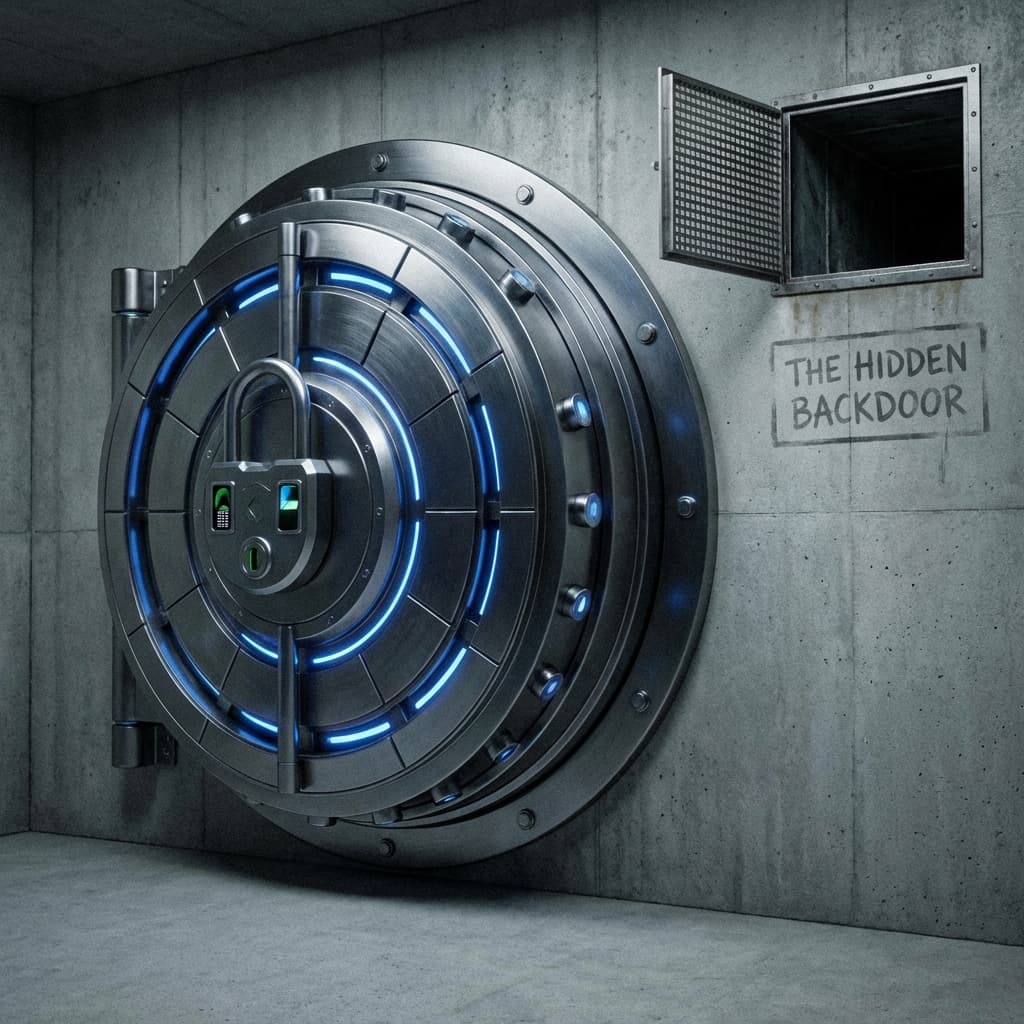
Disconnecting only stops the website from seeing your balance. It does not cancel the permission slip you signed. The "Unlimited Allowance" remains valid on the blockchain forever until you cancel it.

3. The Solution: Revoke.cash
You need to perform a "Security Audit" on your own wallet.
Step 1: Scan Your Wallet
Go to Revoke.cash.
(Remember the Bookmark Rule: Verify the URL carefully!).
Connect your wallet (Ledger/MetaMask).
Step 2: Look for "Unlimited"
You will see a list of every website you have ever used.
Look for the column that says "Allowance".
- If it says "Unlimited USDT" or a huge number like 1.15e+59, that is a risk.
- If the "Spender" is a website you don't use anymore, that is a High Risk.
Step 3: Revoke It
Click the "Revoke" button.
You will need to pay a small gas fee (usually $1–$5). This transaction tells the blockchain: "Tear up the permission slip. This website can no longer touch my funds."
Related: How did these allowances get there? Often through Ice Phishing or compromised Supply Chain front-ends.
Conclusion
Good security practice is to "Revoke" permissions for any app you aren't actively using. Keep your front door locked, but make sure you check the back door too.

Related Articles
The Long Con: How 'Pig Butchering' Scams Steal Hearts and Wallets
It starts with a 'wrong number' text. It ends with you losing your retirement. Inside the psychological playbook of the 'Sha Zhu Pan' (Pig Butchering) scam.
Don't Trade Where You Play: The Case for a Dedicated Crypto Device
Your gaming PC is full of cracks. Your phone is full of trackers. Why spending $200 on a dedicated 'Banking Device' is the best insurance policy you can buy.
The Bookmark Rule: How to Navigate Web3 Without Getting Phished
Google Ads are dangerous. Discord DMs are poison. Here is the 'Zero Trust' browsing strategy that keeps your wallet safe from fake websites.