


The Paper Shield: Why Your Screenshot Will Get You Hacked
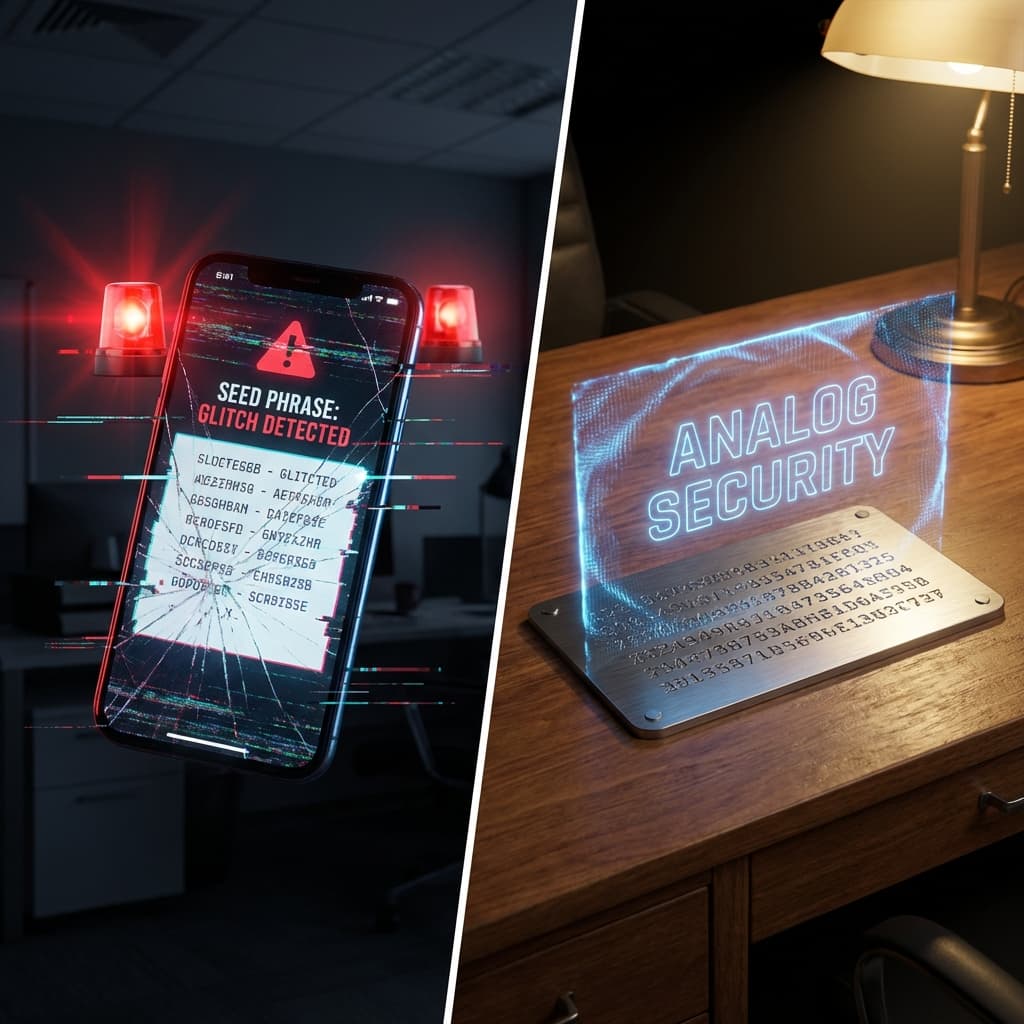
Executive Summary: Your 'Seed Phrase' is not a password; it is the master key to the bank vault. If it touches the internet—even for a second—it is compromised. This guide explains why paper (or steel) is your strongest defense against digital hackers.
1. The Golden Rule: Analog Only
The most common way people lose crypto isn't through sophisticated code exploits. It's because they treated their Seed Phrase (the 12 or 24 words) like a regular password.
What Not To Do:
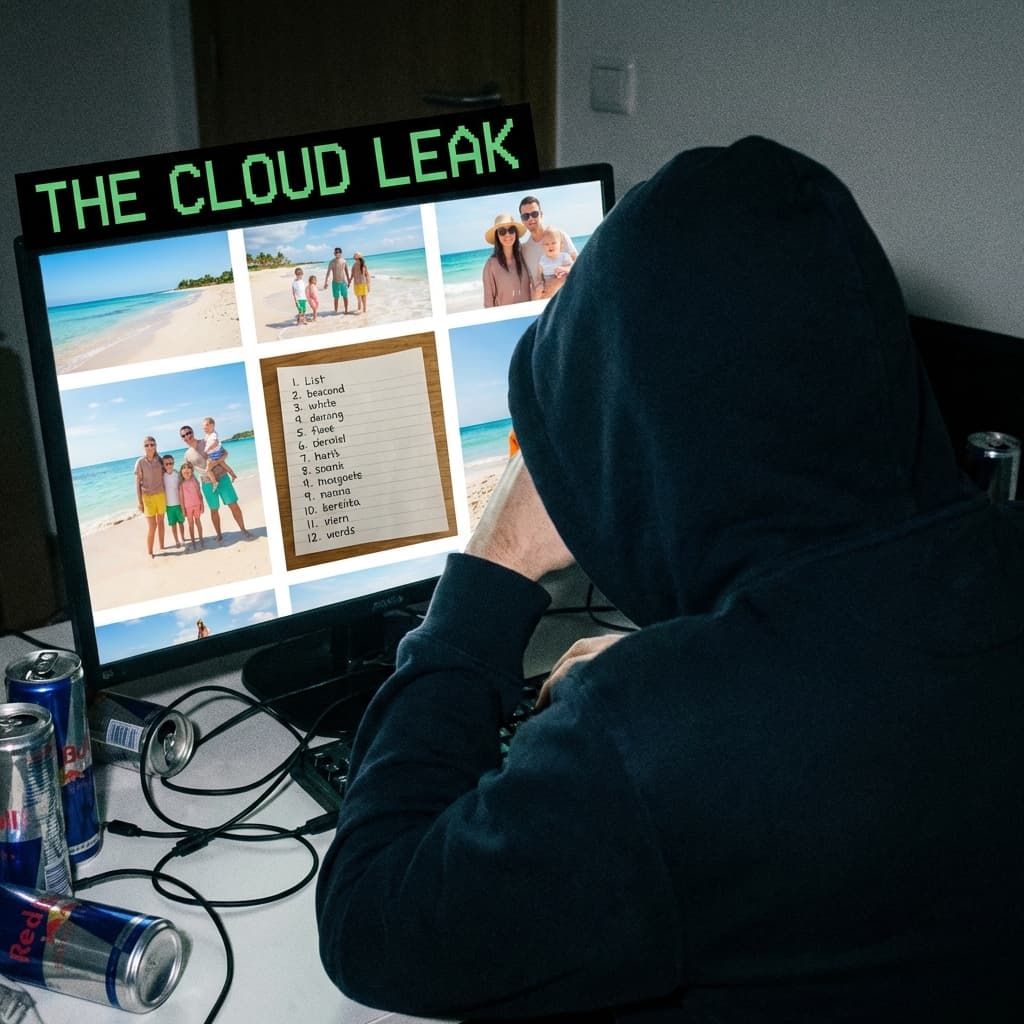
- ❌ Never take a screenshot of your seed phrase.
- ❌ Never save it in a text file on your desktop.
- ❌ Never email it to yourself.
- ❌ Never store it in a password manager (like LastPass or iCloud Keychain).
Why?
Modern malware (like the one we discussed in our developer series) scans your computer for images containing text or text files named "passwords." If your seed phrase exists digitally, a hacker can steal it without you ever knowing.
Pro Tip: If you must use a computer, ensure it is a dedicated device. Read our guide on Device Isolation.
2. The Solution: Steel & Paper
Your seed phrase must live in the physical world only.
Level 1: The Paper Backup
Write your words down on the card provided with your hardware wallet.
- Do: Use a pen (pencil fades).
- Do: Store it in a waterproof bag.
- Do: Hide it in a fireproof box or a safe.
Level 2: The Steel Plate (Recommended)
Paper burns. Paper gets wet.
For amounts over $5,000, buy a Steel Backup (like Cryptosteel or Billfodl). You slide metal tiles into a frame to spell your words. It is fireproof, waterproof, and shockproof.
3. The "Typing" Test
Never type your seed phrase into a computer.
There is only ONE place you should ever enter those words:
- On the physical screen of your Hardware Wallet (Ledger/Trezor).
If a website, support agent, or "Wallet Validation" pop-up asks you to type your 12 words on your keyboard: IT IS A SCAM. Close the browser immediately.
Conclusion
In crypto, you are your own bank. That means you are also your own security guard. Keep your keys offline, and no hacker on earth can touch your funds.
Next Step: Once your keys are safe, protect your 2FA with Hardware Keys.


Related Articles
The Long Con: How 'Pig Butchering' Scams Steal Hearts and Wallets
It starts with a 'wrong number' text. It ends with you losing your retirement. Inside the psychological playbook of the 'Sha Zhu Pan' (Pig Butchering) scam.
Don't Trade Where You Play: The Case for a Dedicated Crypto Device
Your gaming PC is full of cracks. Your phone is full of trackers. Why spending $200 on a dedicated 'Banking Device' is the best insurance policy you can buy.
The Hidden Backdoor: Why You Must Revoke Permissions
You disconnected your wallet, but the hacker can still drain it. Learn how 'Unlimited Allowances' work and how to lock your digital backdoors.