


Ice Phishing: The 'Login' Button That Drains Your Wallet

Executive Summary: 'Ice Phishing' doesn't steal your password; it steals your permission. By tricking you into signing a malicious Token Approval, hackers can drain your assets at will. This article breaks down the approve function and how to use Revoke.cash.
1. The Concept: Approve vs. Transfer
In Ethereum/EVM, a smart contract (like Uniswap) cannot touch your tokens unless you give it permission.
There are two ways to interact:
- Transfer: "Send 10 USDT to Bob." (One-time action).
- Approve: "Allow Uniswap to spend up to 1,000 USDT from my wallet." (Persistent permission).
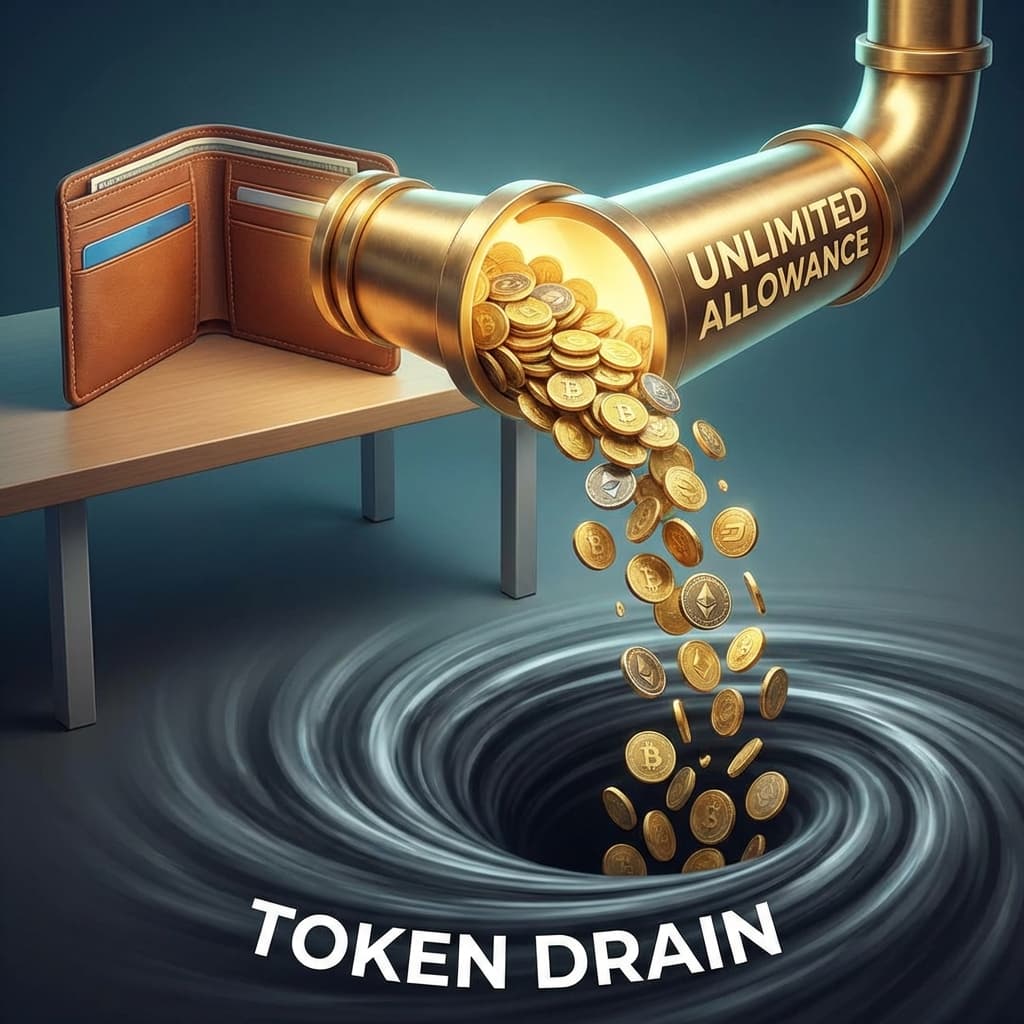
The Exploit: Most dApps ask for "Unlimited Approval" (Infinity) for convenience, so you don't have to sign every time you trade. Scammers abuse this.
2. The Attack: The "Security Update"
You receive an email or see a Twitter link: "OpenSea Security Update: Verify your wallet to prevent asset loss."
You click the link. It looks exactly like OpenSea.
You click "Verify."
Your wallet pops up with a transaction request.
- It doesn't say "Send ETH."
- It says "SetApprovalForAll" or "Approve WETH".
- The Spender Address is the hacker's contract.
The Trap: You think you are "logging in" or "verifying." In reality, you just signed a legal document saying: "I authorize this hacker to move ALL my NFTs and WETH whenever they want."
They don't steal your funds immediately. They wait until you deposit more, then drain it all at once.
3. How to Read the Transaction
Before you click "Confirm," look at the Data tab or the transaction simulation.
Red Flags 🚩
- Function: SetApprovalForAll (This gives 100% control of your NFT collection).
- Function: Approve (with a massive number like 1.1579e+59).
- Spender: An unknown contract address (Check it on Etherscan—is it verified? Does it have a name like "Uniswap Router"?).
4. Remediation: Revoke.cash
If you suspect you signed a bad approval:
- Go to Revoke.cash.
- Connect your wallet (read-only mode first).
- Scan for "Unlimited Allowances" to unknown contracts.
- Revoke them immediately. This costs a small gas fee but cuts the cord to the hacker.
Read More: For a deep dive on how to close these "backdoors", read our guide on The Hidden Backdoor. Also beware of Address Poisoning, which tricks you into sending funds voluntarily.
Conclusion
Your seed phrase is your bank vault key. Your "Approvals" are the authorized signatories. You wouldn't give a stranger power of attorney over your bank account—don't give random websites SetApprovalForAll.

Related Articles
The Long Con: How 'Pig Butchering' Scams Steal Hearts and Wallets
It starts with a 'wrong number' text. It ends with you losing your retirement. Inside the psychological playbook of the 'Sha Zhu Pan' (Pig Butchering) scam.
Don't Trade Where You Play: The Case for a Dedicated Crypto Device
Your gaming PC is full of cracks. Your phone is full of trackers. Why spending $200 on a dedicated 'Banking Device' is the best insurance policy you can buy.
The Hidden Backdoor: Why You Must Revoke Permissions
You disconnected your wallet, but the hacker can still drain it. Learn how 'Unlimited Allowances' work and how to lock your digital backdoors.