


Kill the SMS: How to Stop SIM Swappers Instantly
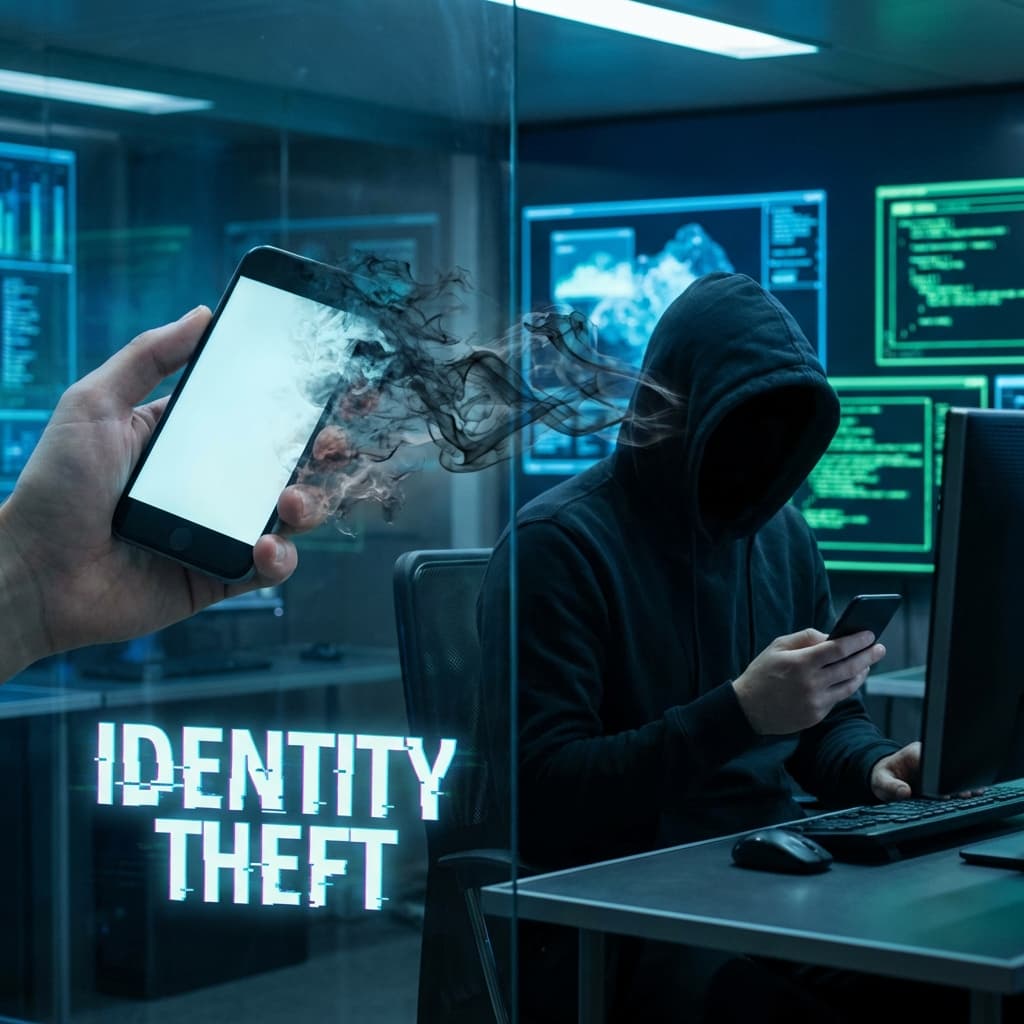
Executive Summary: A hacker doesn't need your phone to steal your number. They just need to trick your mobile carrier. This article explains 'SIM Swapping' and provides a step-by-step guide to removing your phone number from your crypto security settings.
1. What is a SIM Swap?
You lose signal on your phone. You think it's just a glitch.
In reality, a hacker has called your mobile carrier (AT&T, T-Mobile, Verizon) pretending to be you. They claimed they "lost their phone" and asked to activate your number on their SIM card.
Once they control your number, they click "Forgot Password" on your Email and Coinbase accounts. The 2FA code goes to them, not you.
2. The Danger of SMS 2FA
Most people use SMS for Two-Factor Authentication.
This is dangerous. SMS is not encrypted, and telecom support agents are easily tricked (or bribed). If your security relies on a text message, you are vulnerable.

3. Step-by-Step Defense Guide
Step 1: Upgrade to TOTP (Authenticator Apps)
Download Google Authenticator or Authy.
- Log in to Binance/Coinbase/Gmail.
- Go to Security Settings.
- Add "Authenticator App."
- Crucial: Once the App is working, DISABLE SMS 2FA. If you leave SMS on as a "backup," the hacker will just choose that option.
Step 2: The Hardware Key (YubiKey)
For maximum security (especially for email accounts linked to crypto), get a YubiKey.
This is a physical USB key. Even if a hacker has your password, they cannot log in unless they physically plug in your key.
- Buy two keys (one main, one backup).
- Register them with your Google Account (Advanced Protection Program).
Step 3: PIN Lock Your SIM
Call your mobile carrier today. Ask them to set a "Port Freeze" or a "PIN Lock" on your account. This means no one can transfer your number to a new SIM without providing a specific PIN code that only you know.
Next Step: Once you've secured your phone, secure your computer. Read our guide on Device Isolation. Also, learn how hackers bypass voice verification in The Deepfake CFO.
Conclusion
Your phone number was designed for calling grandma, not for securing your financial future. Remove it from your security loop today.


Related Articles
The Long Con: How 'Pig Butchering' Scams Steal Hearts and Wallets
It starts with a 'wrong number' text. It ends with you losing your retirement. Inside the psychological playbook of the 'Sha Zhu Pan' (Pig Butchering) scam.
Don't Trade Where You Play: The Case for a Dedicated Crypto Device
Your gaming PC is full of cracks. Your phone is full of trackers. Why spending $200 on a dedicated 'Banking Device' is the best insurance policy you can buy.
The Hidden Backdoor: Why You Must Revoke Permissions
You disconnected your wallet, but the hacker can still drain it. Learn how 'Unlimited Allowances' work and how to lock your digital backdoors.